Web Guide
Introduction
- CollabForm is a versatile web application that simplifies surveys, feedback collection, quiz
creation, and more. With its user-friendly interface, CollabForm allows you to create customized
forms to gather
valuable insights from customers or employees.
CollabForms also provides integration with other application, gives quick to integrate and use solution. The application offers various question formats, including short answer, multiple-choice, checkboxes, drop-down lists, and file uploads, catering to different response types. It also provides features such as form storage, sharing, and reusability, allowing to easily save, distribute, and reuse forms for data collection. With its intuitive interface and step-by-step guidance,
CollabForm enables anyone to create and manage forms effortlessly, regardless of technical expertise. Explore CollabForm today to streamline data collection process and gain valuable insights from audience.
Open the following URL https://cad.nic.in/collabforms/ in a web browser.
System Requirement
- Desktop and mobile with modern web browsers.
- Internet connectivity.
- Modern web browsers like Google Chrome, Mozilla Firefox, Microsoft Edge, Opera.
Features
Target Users
- Any public user can use individually or in a collaborative session with other users using a web browser like students, teachers, hobbyists or others.
Point of Contact
- Education Projects Division, Education Group, NIC, Meity, New
Delhi 110003.
NIC will ensure technical support to the Users of web based CollabForms beta version tool. - Queries may be raised through CollabCAD portal
https://collabcad.gov.in/eCollabCAD/contactus
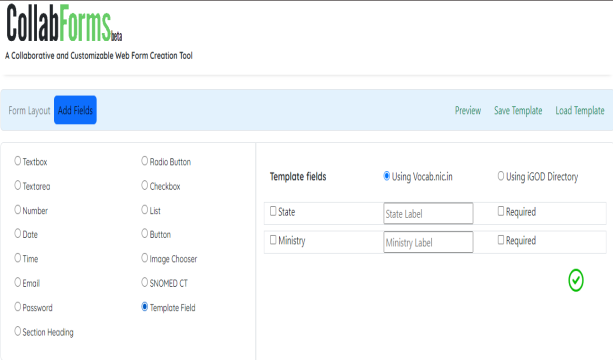
Text Box.
Add Text box in field.
A text box, text field or text entry box is a graphical control element intended to enable the user to input text information to be used by the program.
Text Area.
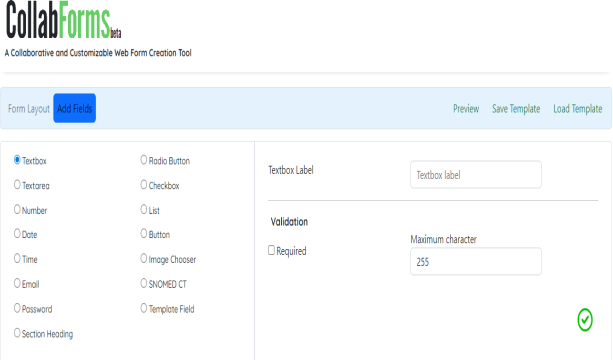
Select Text area.
A text area lets a user input a longer amount of text than a standard text field. It can include all of the standard validation options supported by the text field component.
Number.
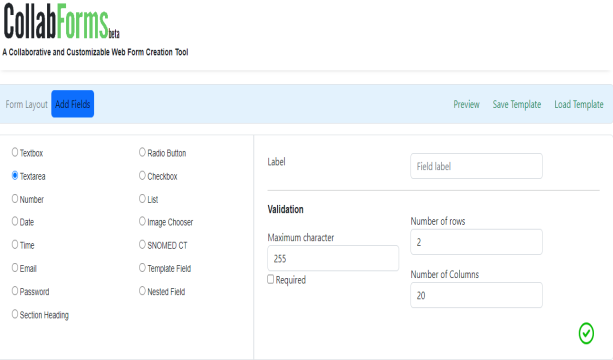
Stay up to date when people join, edit or comment in collaborative documents and easily get in touch with your team using Messages and FaceTime.

Date
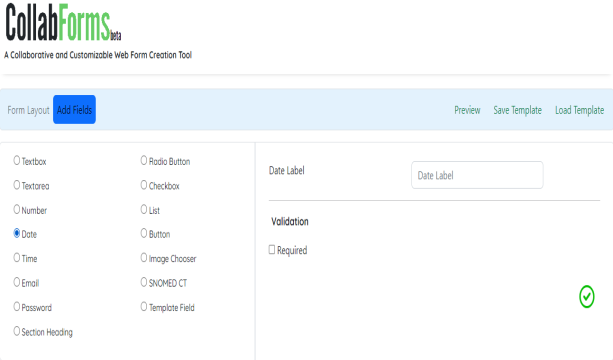
Select Date
The DatePicker control allows the user to select a date by either typing it into a text field or by using a drop-down Calendar control.
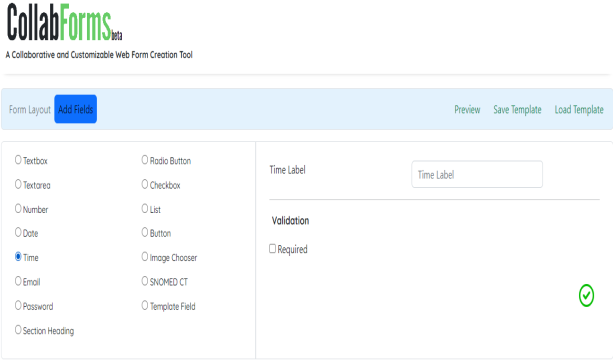
Time.
Select time.
Time is used to quantify, measure, or compare the duration of events or the intervals between them, and even, sequence events.
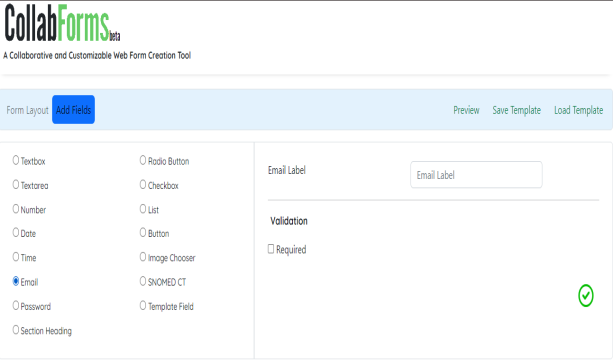
E-mail.
Add mail.
Email is used for many different purposes, including contacting friends, communicating with professors and supervisors, requesting information, and applying for jobs, internships, and scholarships.
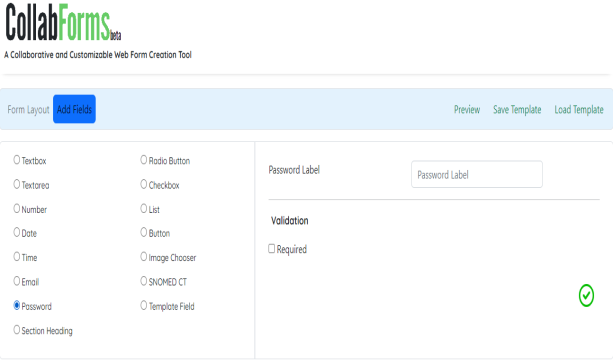
Password.
Add password.
when user password, sometimes called a passcode is secret data, typically a string of characters, usually used to confirm a user's identity.
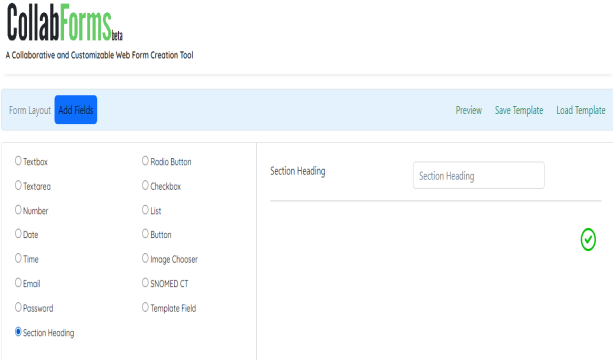
Section Heading.
Add Section Heading
Section headings are used to organize the content. Note. "Heading" is used in its general sense and includes titles and other ways to add a heading to different types of content.
Get the updates.
Then get in touch.
Stay up to date when people join, edit or comment in collaborative documents and easily get in touch with your team using Messages and FaceTime.
Get the updates.
Then get in touch.
Stay up to date when people join, edit or comment in collaborative documents and easily get in touch with your team using Messages and FaceTime.
Get the updates.
Then get in touch.
Stay up to date when people join, edit or comment in collaborative documents and easily get in touch with your team using Messages and FaceTime.
Get the updates.
Then get in touch.
Stay up to date when people join, edit or comment in collaborative documents and easily get in touch with your team using Messages and FaceTime.
Get the updates.
Then get in touch.
Stay up to date when people join, edit or comment in collaborative documents and easily get in touch with your team using Messages and FaceTime.
Get the updates.
Then get in touch.
Stay up to date when people join, edit or comment in collaborative documents and easily get in touch with your team using Messages and FaceTime.