




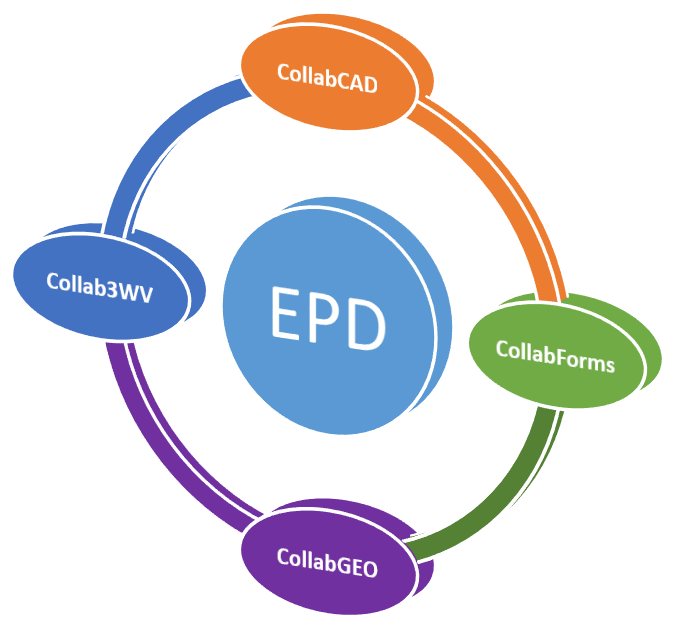
The CollabCAD division has recently been reorganized as Education Projects Division (EPD) to strengthen, conceptualize, design/develop various projects under the scope of Education Group at National Informatics Centre(hqrs) in May 2022.
The objectives of the division are to design/development of new products that may function as reusable components across the Education Group projects; enhancement of existing education sector products. HOG (Education) may realign EPD resources for a specific time-period to meet the specific requirements of the projects within group.
The scope of work in emerging technologies preferably open-source software libraries and stack for designing and developing in-house indigenous products.
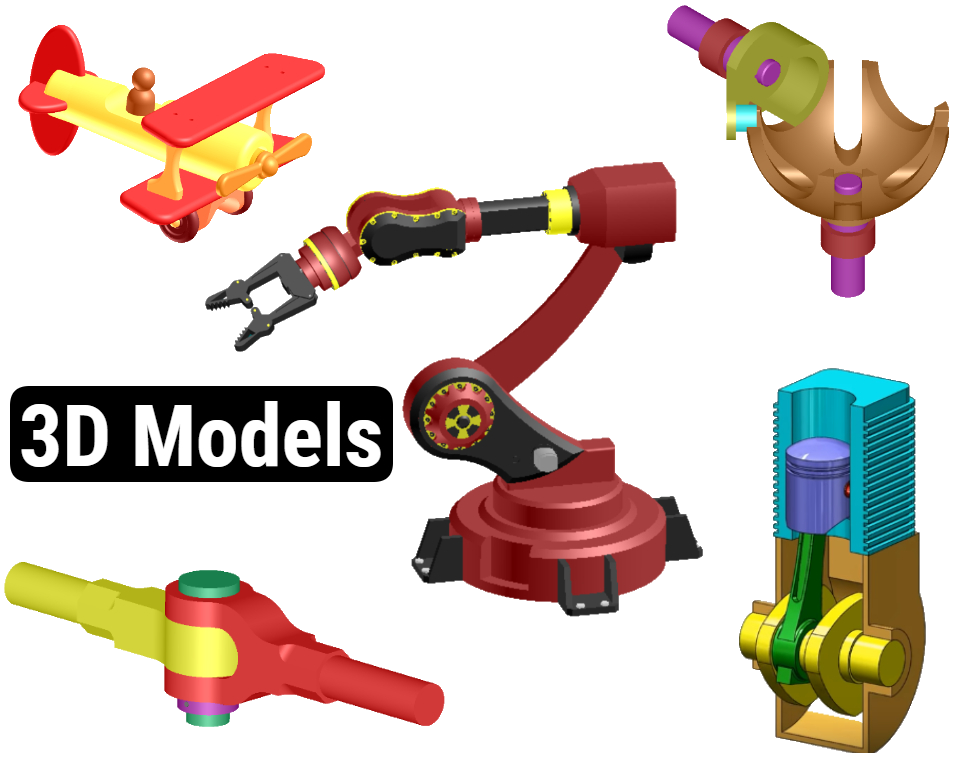
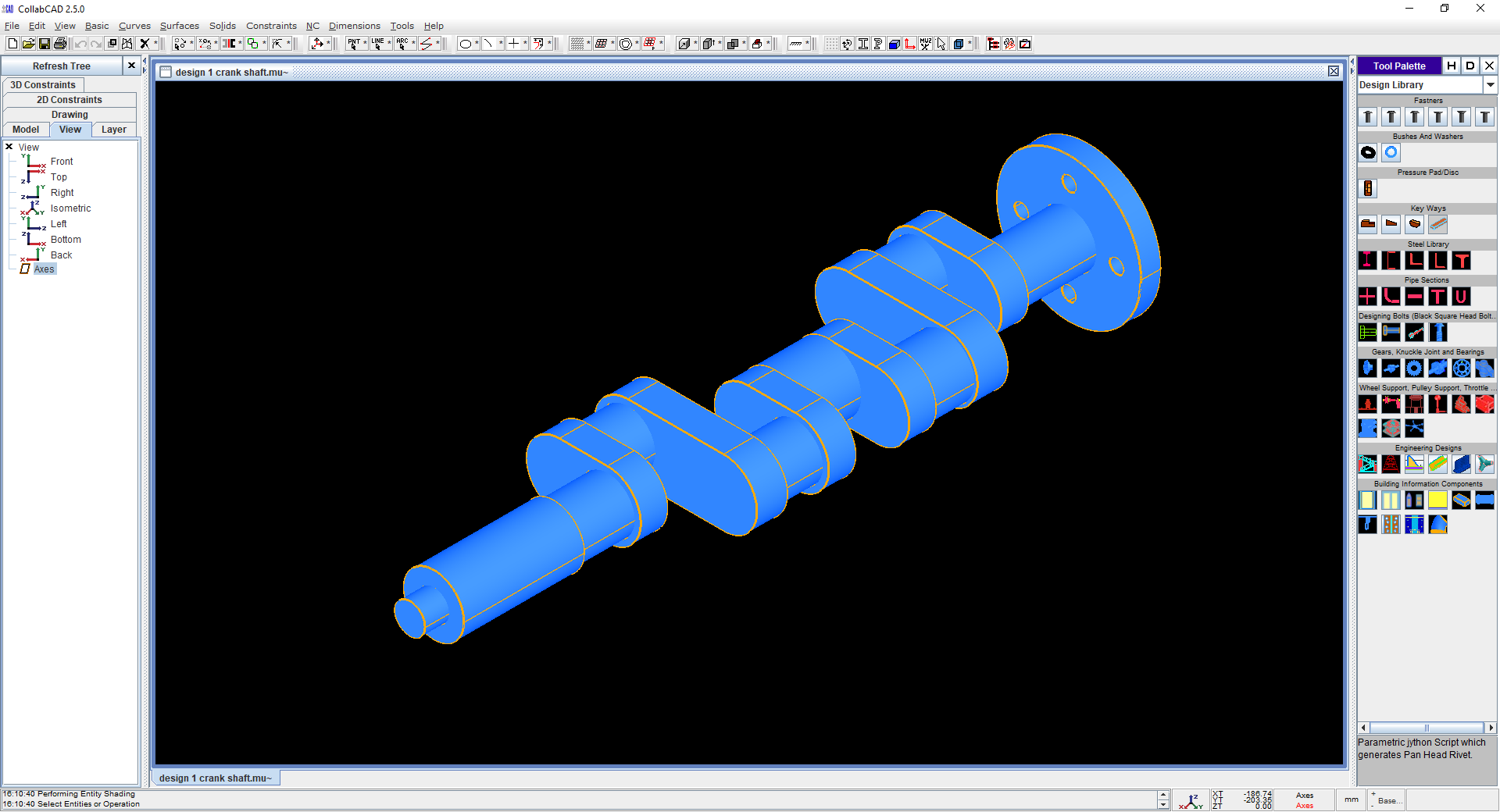
CollabCAD is a collaborative network enabled and desktop CAD software system with generation of 2D engineering drawings. It provides a total engineering solution from 3D Product Part/Assembly Design, 2D Drafting and Detailing, Scripting, Import/Export of CAD Data and Product lifecycle management.
CollabCAD runs on Linux and Windows OS based desktop systems and is available in both Stand Alone & Client-Server mode for local area network. The collaborative mode of CollabCAD enables multiple designers to create and modify part data across a network and concurrently access the same design data for storage and visualization.
CollabCAD provides facilities to build and edit entities in virtual 3D space using basic geometry such as lines, arcs, and conic sections. 2D profile and free hand sketching is also available. In addition, there is detailed dimensioning, tolerances, symbols etc.
CollabCAD Features
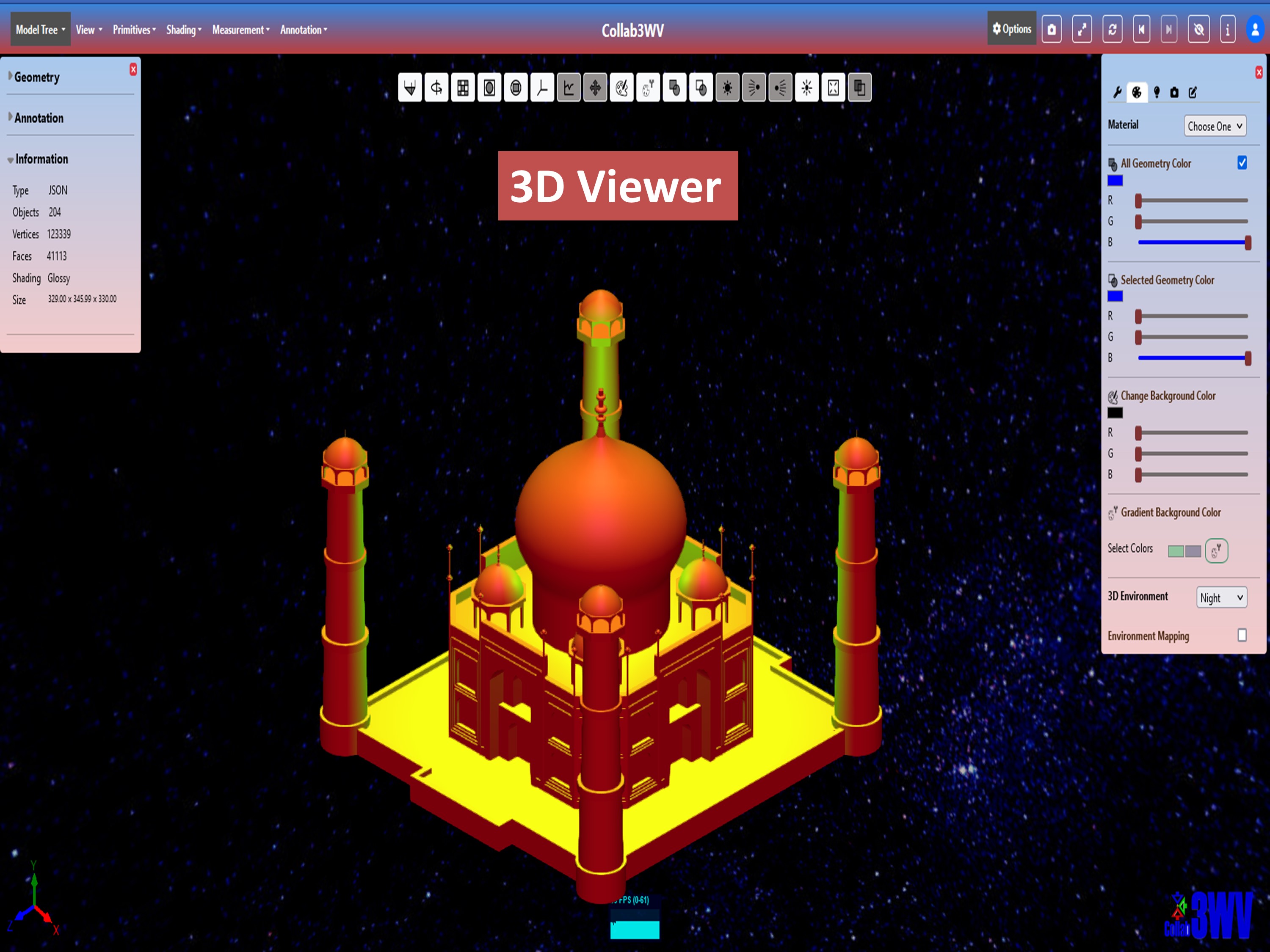
Collab3WV(3D Web Viewer), formerly e-CollabCAD is a product for visualization and sharing of 3D design data of CollabCAD and open 3D data file formats (STL, OBJ, PLY, WRL, MUZ, DAE, GLTF, JSON). No software or plugin required, the viewer works directly on a WebGL compliant web browser! Upload, View and Share your 3D models and innovative designs with public or private collaborative partners. To get started, register online for a CollabCAD guest account, upload your 3D models and view them online on a web browser.
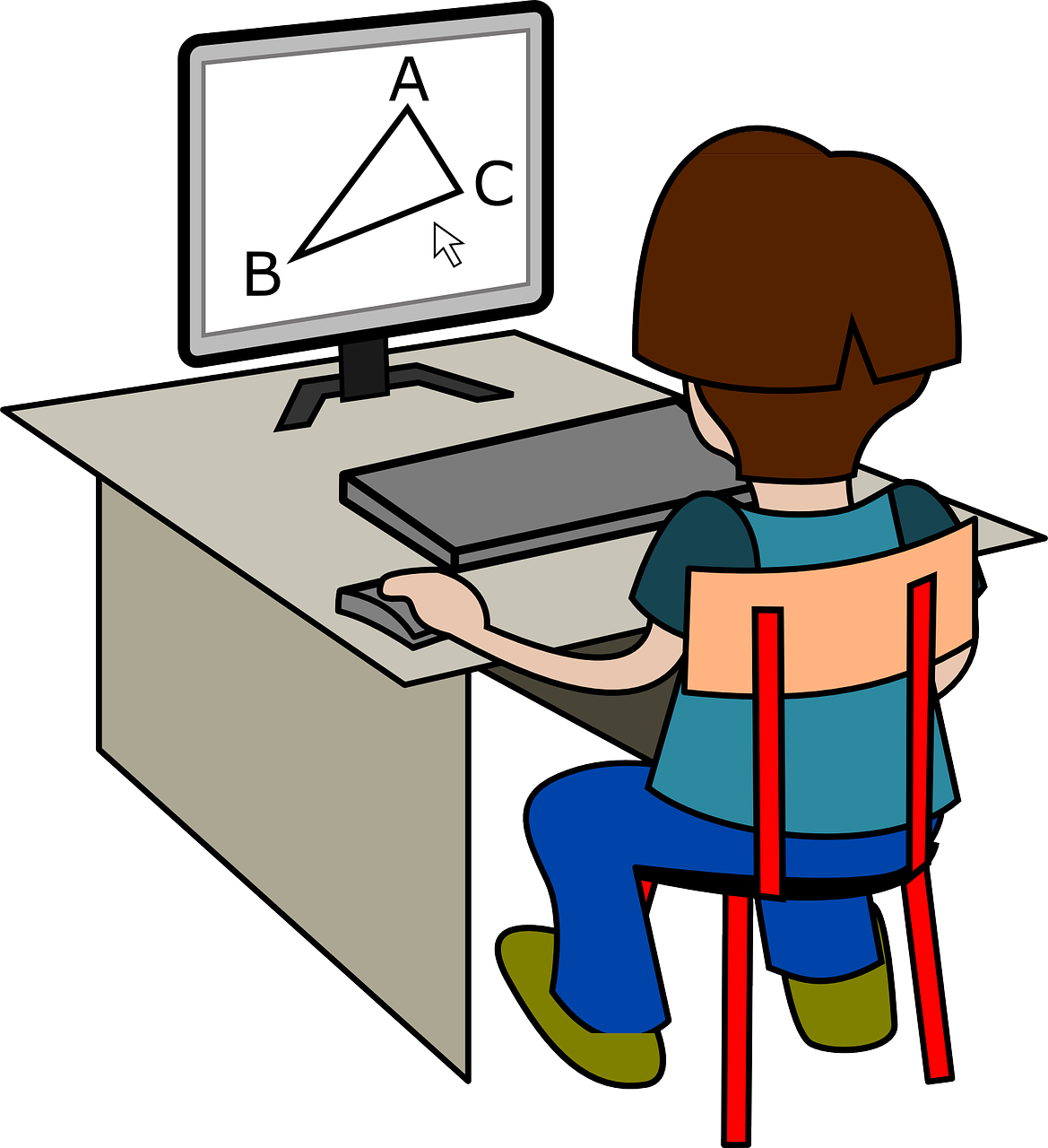
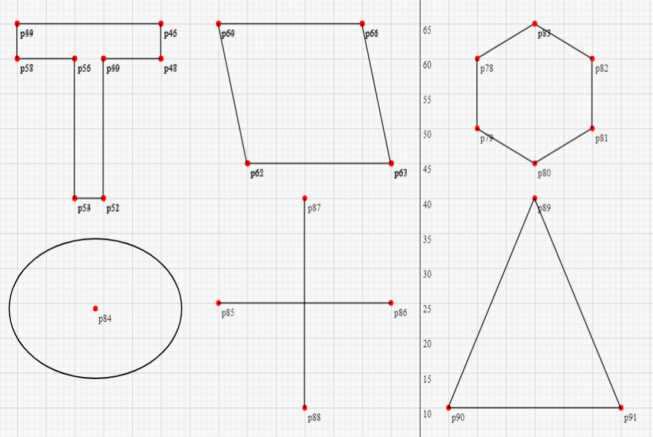
CollabGEO is an innovative and user-friendly web application designed to revolutionize the teaching and learning of basic geometrical concepts. This interactive tool offers a collaborative platform for teachers and students to engage in fun and meaningful activities that promote deeper learning. With CollabGEO, educators can create lessons that are interactive, engaging, and effective in promoting student participation. One of the significant advantages of CollabGEO is its ability to allow remote collaboration. Teachers and students can interact and collaborate in real-time, regardless of their location. This feature is particularly beneficial in the current age of remote learning, where students and teachers are separated by distance. With CollabGEO, students can access the tool from anywhere, at any time, and participate in interactive lessons that enhance their learning experience. The user-friendly interface of CollabGEO makes it easy for both teachers and students to use. Educators can quickly create lessons and activities that cater to the specific needs of their students, while students can participate without the need for extensive training. CollabGEO offers an intuitive interface that helps students understand complex geometrical concepts and apply them to real-world problems. CollabGEO 1.0 is currently available for access on the NIC cloud, making it accessible to a broader audience. The application is designed to be scalable, and new features and updates will be added regularly to enhance the user experience continually.
Benefits
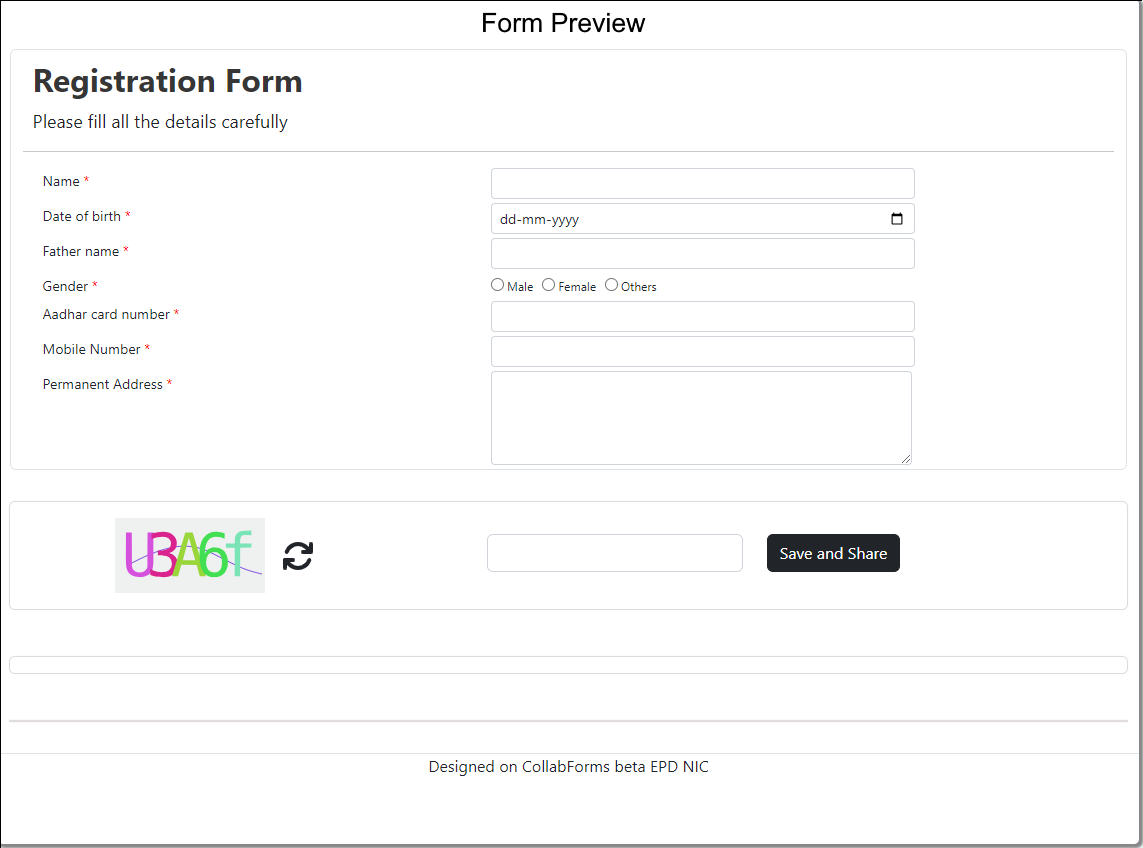
CollabForms beta is a tool to design and create dynamic application forms using interactive user interface. As, Education sector especially school and higher education has varied requirements of data capturing with quick prototyping so, CollabFORMS beta web app came into existence. It can be used to create a variety of web forms, including Quizzes, feedback forms, contact forms, order forms, survey forms, and registration forms etc. It a micro service-based application and based on Low Code No Code concept.
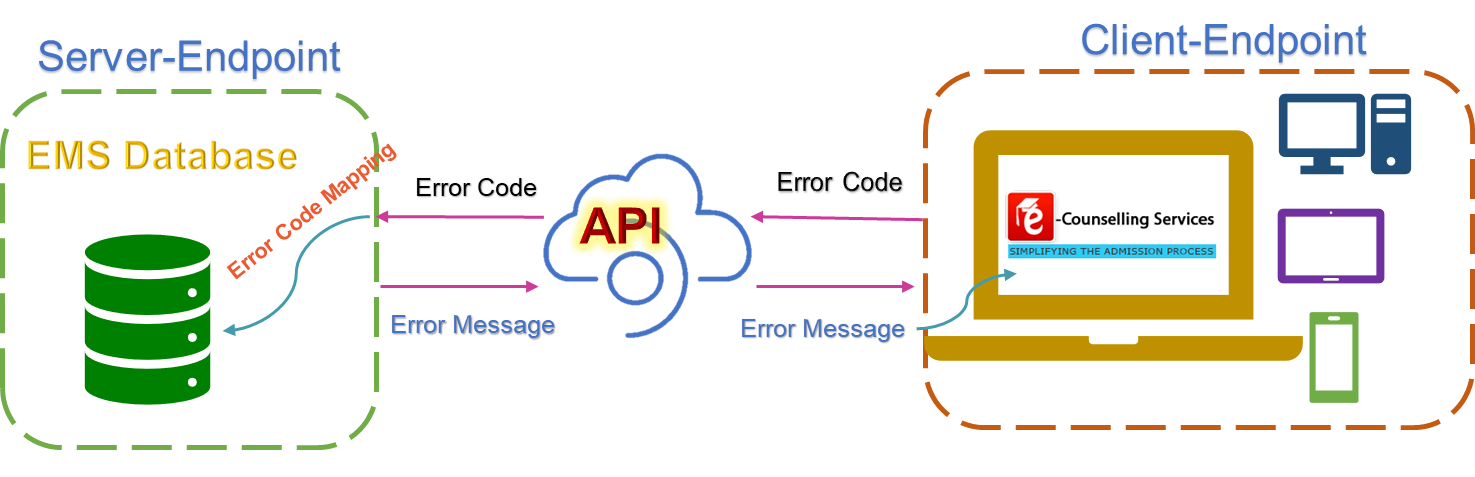
Each e-counselling project or even any web app like CollabGEO has a vast scope for exception handling, the errors can arise at any level of the process be it registration, choice filling, payment at various phases or the final admission letter generation. In this case, exceptions management is a crucial step towards the success of the e-counselling/examination projects. Currently, error messages that are displayed on the application are sent from varied sources, depending on the type of error generated. Such a mechanism makes it difficult for tracking of the errors generated at each level and type of error messages that are displayed to help the candidate resolve the issue that came by due to the error or move on to the next step to complete the admission process. To resolve such issues, an independent service for exception handling is developed using open-source Java technologies.
To manage the exceptions three step process needs to be initiated
MantisBT is an open source issue tracker customized for Education Division for logging and monitoring bugs or errors during software testing. It also keeps track on various enhancements involved in various projects executed in the Education division. This bug tracker is deployed on CentOS VM in NDC-BBSR.